Kick Profile Picture Overlay Generator
Create the green Kick PFP badge you see all over social media. Upload, frame and download in seconds.
Drag image here
or click to browse
Image Configuration
Overlays
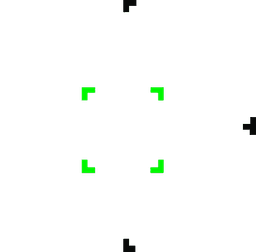
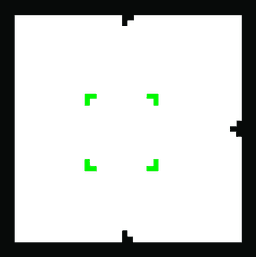

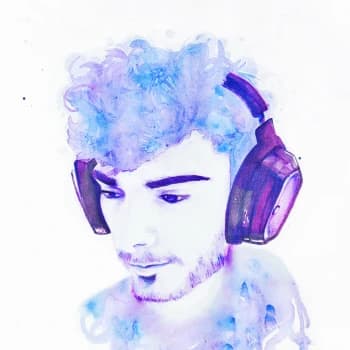
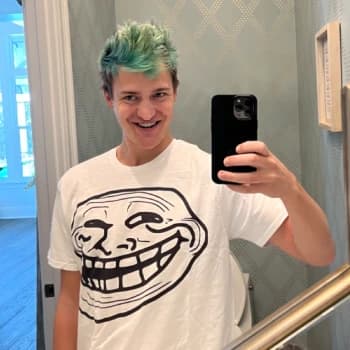
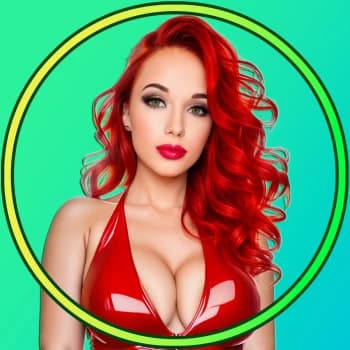
See it on real Kick PFPs
Every overlay style shown on real Kick creators.
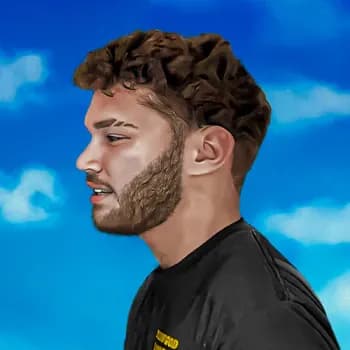
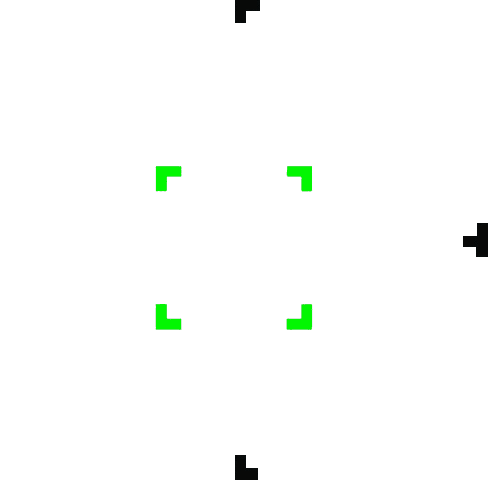





The fastest way to add the Kick badge to your profile picture
The Kick PFP overlay is the green Kick badge streamers put around their avatar so followers instantly know where they go live. This free generator bakes it onto your own photo in seconds - no design skills, no Photoshop and no signup.
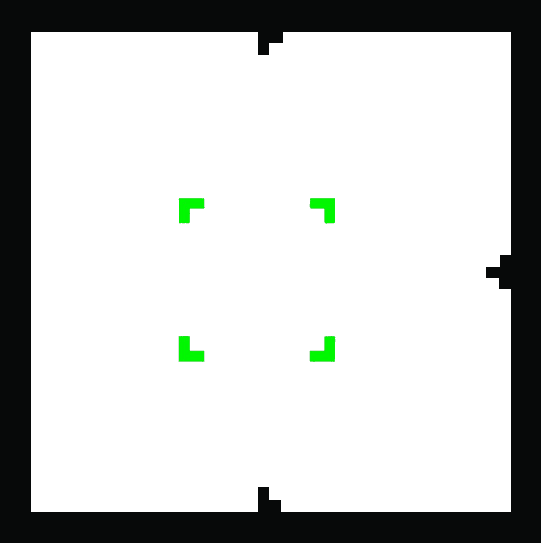
Upload any image, drag and zoom to frame your face, then pick from three overlay styles: the classic corner badge, a bold Kick green border, or a rounded crop for circular avatars. Download a clean square PNG in the size you need and use it as your Kick, Discord, X or Instagram profile picture.
Built for Kick streamers
Three Kick overlay styles to choose from
Pick the frame that matches your brand. You can switch between them anytime before you download.
Make your Kick PFP in three steps
Kick profile picture size
A Kick profile picture is square. Kick accepts JPG or PNG files of at least 128x128 pixels and up to 4MB. This tool exports a square PNG at 256, 400, 500 or 800 pixels, so you can use the same Kick avatar on Discord, X and anywhere else that asks for a different size.
Frequently asked questions
Bring your Kick channel to Discord
Noti posts an alert the moment you go live on Kick, syncs subscriber roles, forwards clips and more. Add it to your server in a minute.